
Run AI agents as a workflow
Chain agents on a canvas. Each gets its own task, model, and tools, and passes its result to the next. Read every conversation, and step in at any point.
Chain agents on a canvas. Each gets its own task, model, and tools, and passes its result to the next. Read every conversation, and step in at any point.
Draw the workflow. Add an agent for each step. Give it a prompt, a model, and tools, then connect it to the steps that feed it.
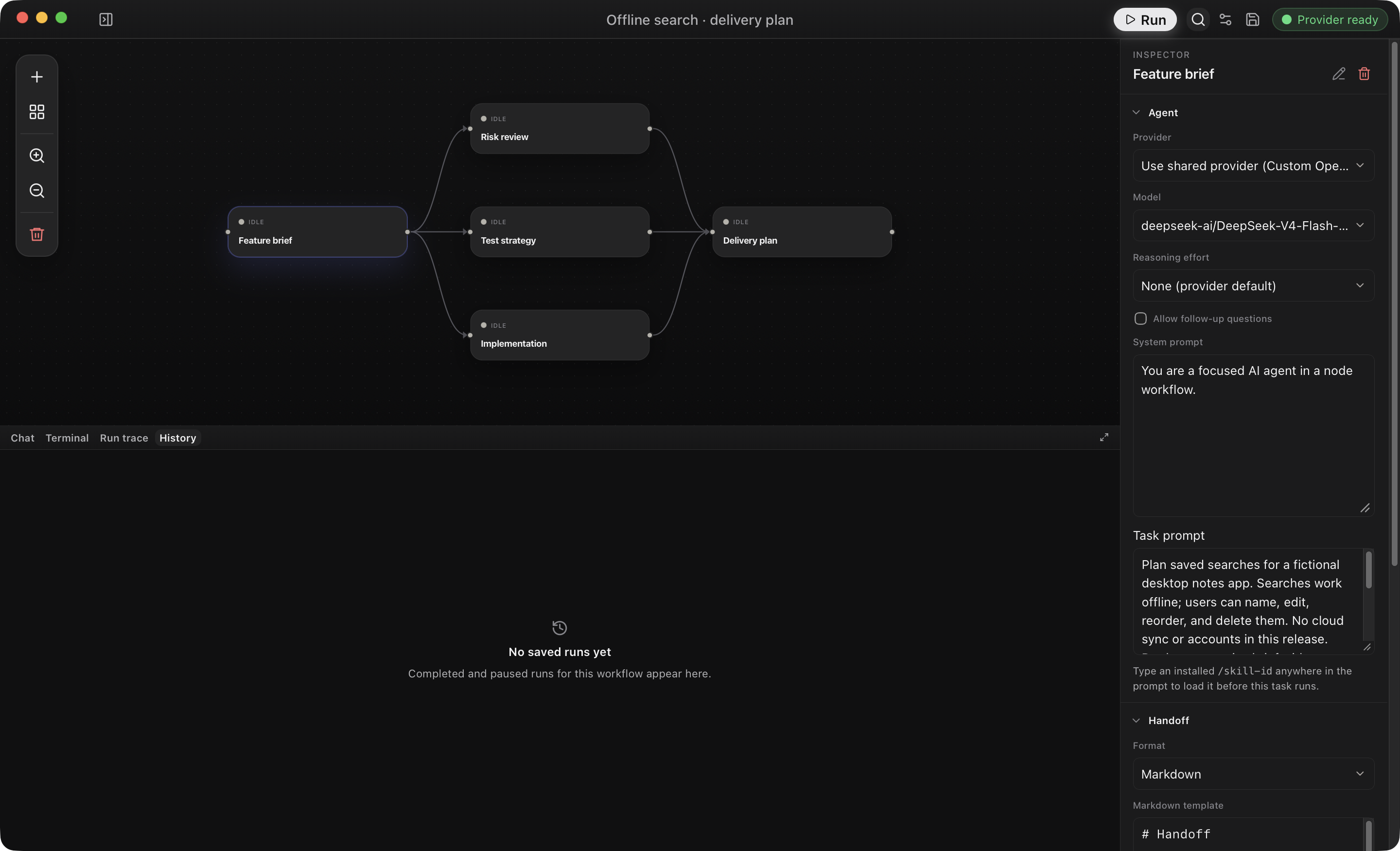
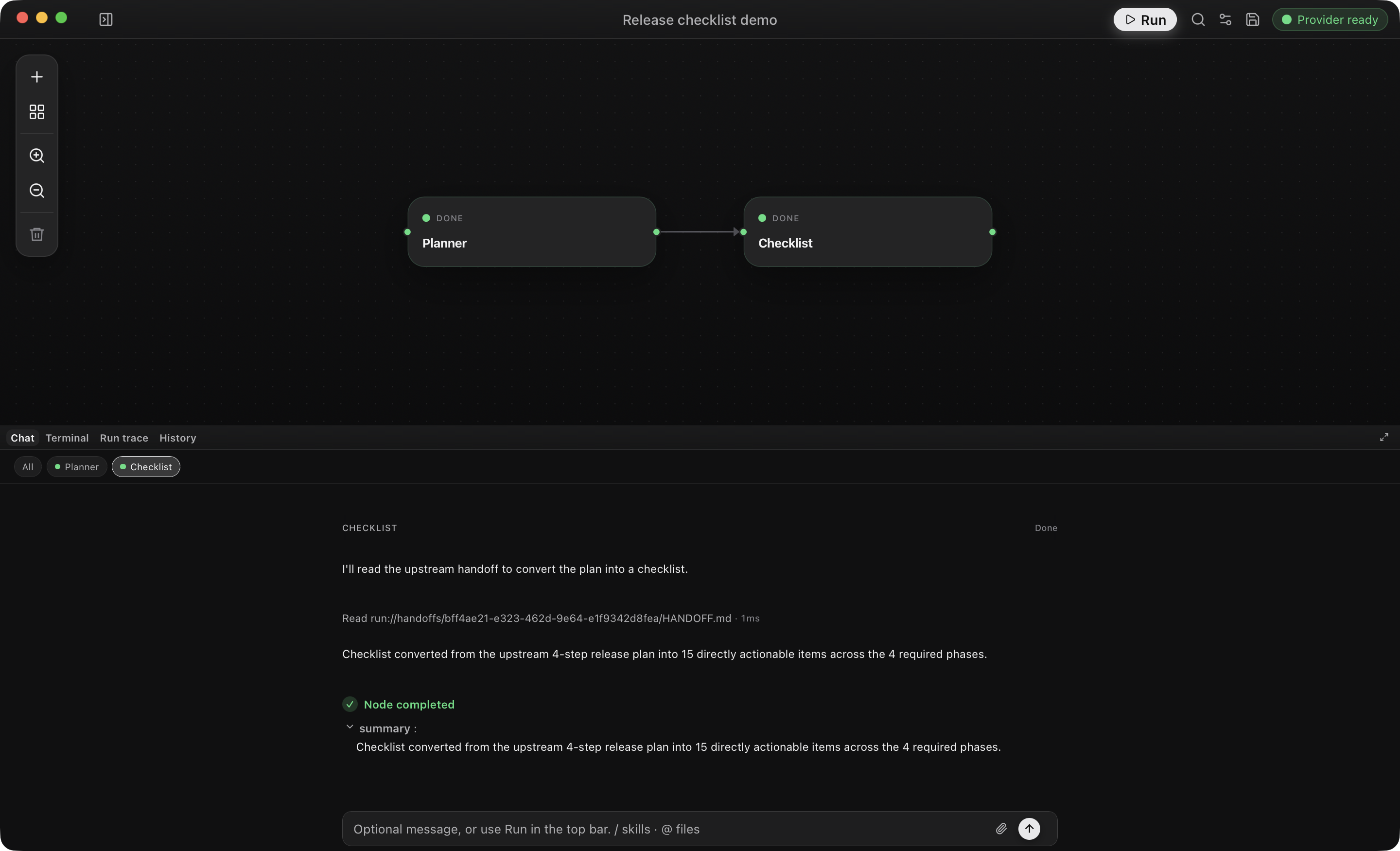
Run it and watch. Steps that don't depend on each other run at the same time. Open any agent's conversation to answer a question, approve a tool call, or retry a failed step.
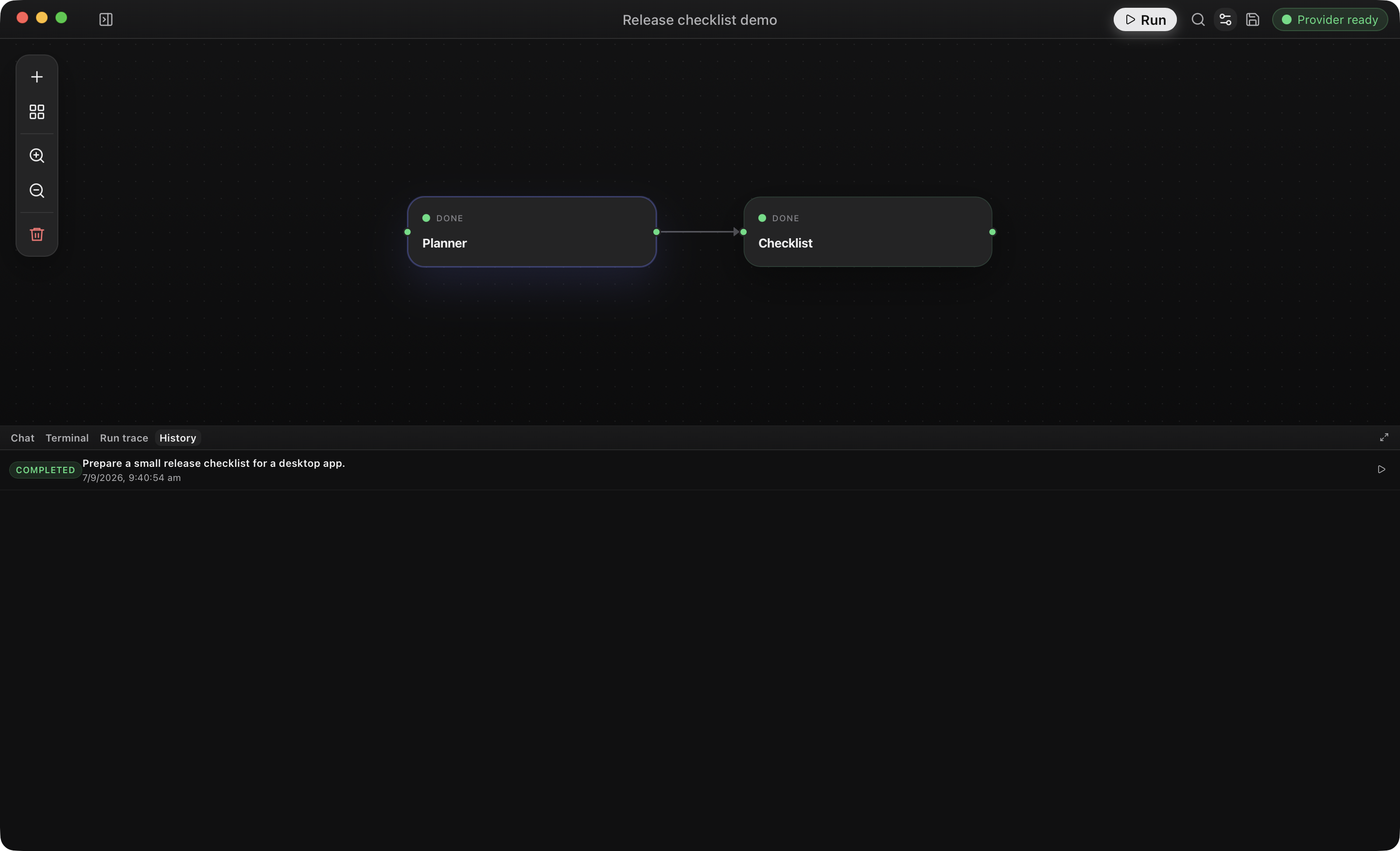
Review what happened. History keeps every run. Open a replay to read each agent's conversation and the handoffs between them.
| I want to… | Read |
|---|---|
| Understand how it works | How OpenFlow works |
| Design a workflow | Workflow authoring |
| Handle approvals, retries, and failures | Runs and recovery |
| Look up a setting | Configuration |
| Fix a problem | Troubleshooting |
| Build it from source | Build from source |
| Browse everything | All documentation |