
Projects and persistence
A project is a registered repository folder that keeps its workflows, run metadata, and attachments together. Its workflows and direct chats do file operations in its execution folder, so choose a folder you're willing to expose to file tools and MCP roots. See Security and data for those boundaries.
Registering doesn't copy the repository. It creates {project}/.flow/ and tests write access with a temporary create, write, rename, and delete probe.
Add and remove a project
Select + on the Projects heading, or Add Project… in a project selector, then pick the folder in the native Select project folder dialog. The execution directory defaults to that folder.
To unregister, choose Remove project from its row menu and confirm. Removal is blocked while a project run is active. The repository, workflow files, and other .flow files stay on disk.
Project workflows
Project workflows live at:
{project}/.flow/workflows/{workflowId}.workflow.jsonCreate one with New workflow or Create with AI on a project row. Copy from… makes an independent project copy of an existing workflow, with a new workflow ID and a name ending in copy; it doesn't sync with the source.
The catalog merges project and app workflows on load. If both have the same workflow ID, the project file wins.
Run locations
For a chat, choose the project in the new chat's Project control before sending the first message.
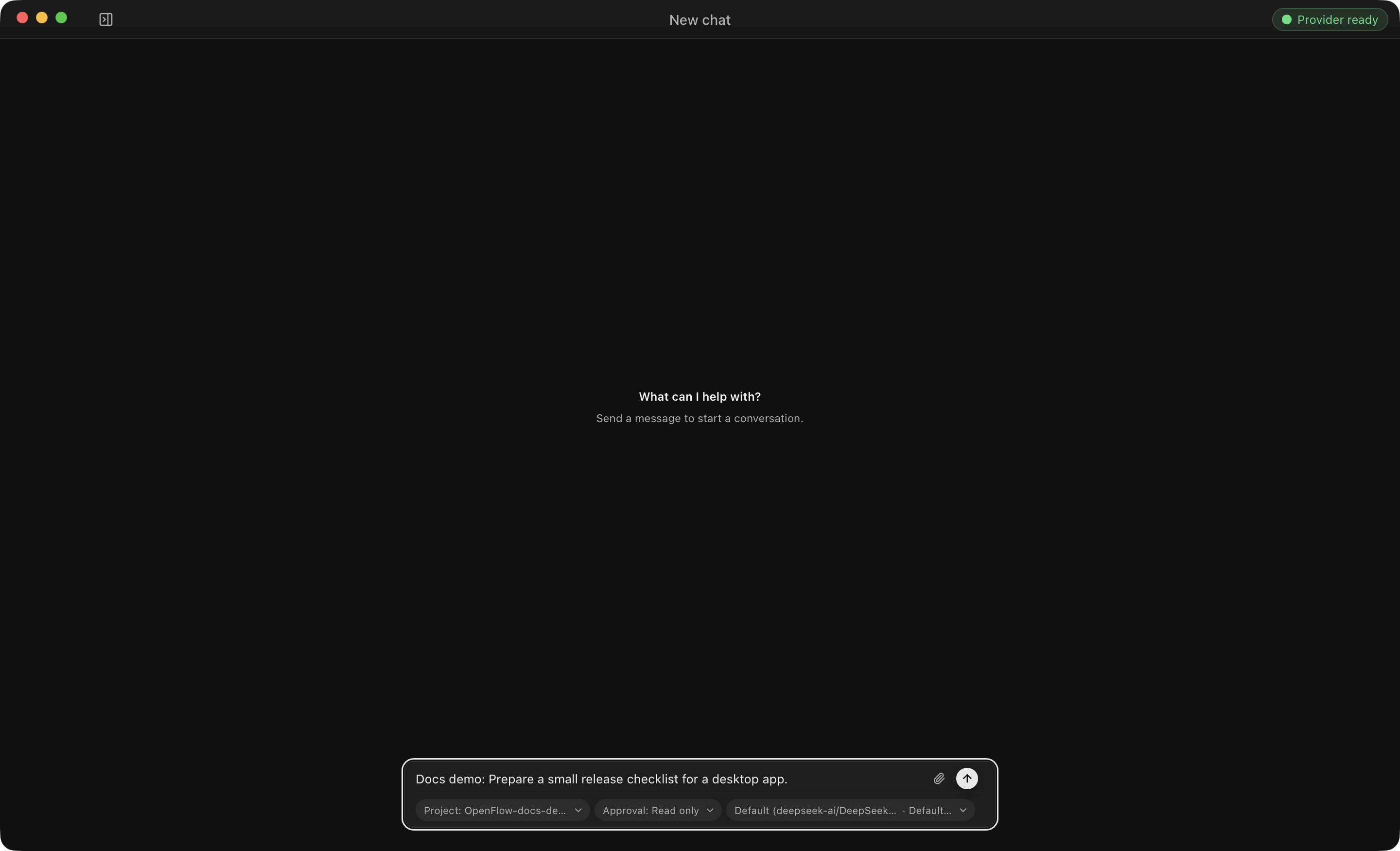
Project workflow and chat runs use the project's configured execution directory, or its root if none is set. Run metadata goes under:
{project}/.flow/runs/{runId}/OpenFlow probes that .flow is writable before a project run continues. App workflows and chats without a project use isolated app-managed folders, listed in Runtime and persistence paths. For resuming stored work, see Runs and recovery; for chat project selection, see Start or restore a chat.
What remains on disk
- Deleting a workflow permanently removes its app record and every linked project workflow file. Its durable run directories stay.
- Deleting a chat removes its metadata, then quarantines and deletes its run directory, including run-owned attachment copies. If cleanup can't finish, OpenFlow reports pending cleanup and retries later.
Don't hand-edit projects.json, workflows.json, chats.json, or run checkpoints while the app is running.