Using the app
Start a chat or open a workflow from the sidebar. Projects group work by repository; Settings holds provider and integration setup.
flowchart LR
    Sidebar["Sidebar"] --> Chat["New chat<br/>A saved conversation"]
    Sidebar --> Workflow["Workflows<br/>Reusable graphs"]
    Workflow --> Canvas["Canvas<br/>Connect the steps"]
    Canvas --> Inspector["Inspector<br/>Configure one node"]
    Canvas --> Dock["Chat · Run trace · History<br/>Follow and review the run"]
    Sidebar --> Settings["Settings<br/>Providers and integrations"]
Main navigation
| Area | What it does |
|---|---|
| New chat | Starts a saved direct chat, no workflow needed. |
| Agents | Saved agent definitions for callable agents. |
| Schedule | Adds a timed or interval schedule to an existing workflow. |
| Workflows | App-level workflows. New workflow creates one; the row menu renames or deletes it. |
| Projects | Registered repository folders and their project-local workflows. |
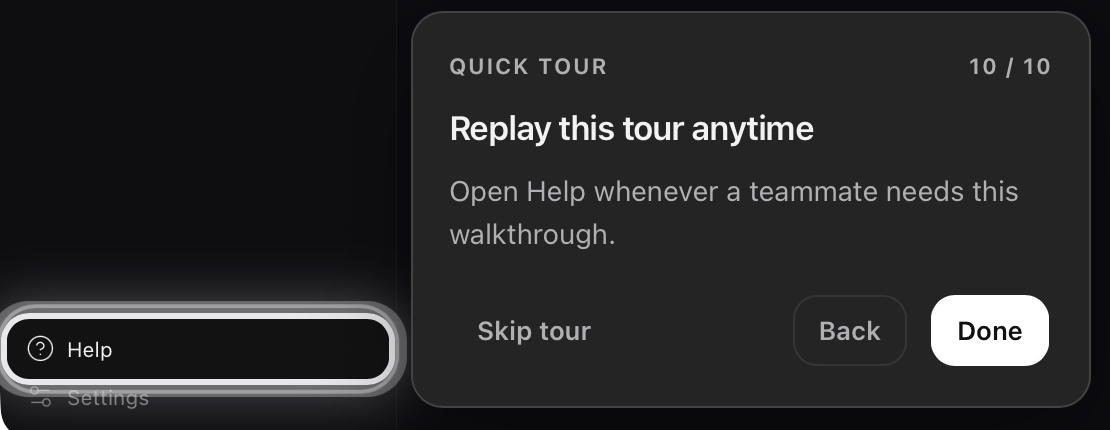
| Help | Replays the guided tour: Next, Back, Skip tour, or Escape. |
| Settings | Appearance, Providers, Search, MCP Servers, Diagnostics, and About. |
The Chats, Workflows, and Projects headings always show their + action. A project row menu has New workflow, Create with AI, Copy from…, and Remove project.
Common screens
- Direct chats: a full-page composer with durable run history. They don't appear in the workflow catalog or canvas.
- Workflow editor: Canvas, Inspector, Workflow Settings, and a bottom dock with Chat, Terminal, Run trace, and History. Chat, Run trace, and History cover conversation, inspection, and recovery.
Composer controls
Depending on screen and provider, the composer shows Project, Model, Speed, Approval mode, and Reasoning effort. Type / to invoke a discovered skill or @ to reference project files. Approval prompts appear in the conversation when a tool needs confirmation. Limits and defaults: configuration reference.
Provider readiness
The header shows Provider ready or Connect provider. A workflow can inherit the active provider, use a workflow provider, or override it on a node. Every provider referenced at run start must be ready. To connect one, see Provider setup; if readiness fails, see Troubleshooting.
Workflow controls
| Capability | What you do | Read |
|---|---|---|
| Visual workflow editor | Add nodes, connect edges, configure the Inspector, fix validation errors before Run | First workflow, Using the app |
| Parallel agent layers | Wire independent branches from one upstream node; same-depth nodes run concurrently | Workflows and runs |
| Multi-provider models | Credentials in Settings → Providers; per-node model in the Inspector | Provider setup |
| Tools (files, shell, search, …) | Inspector Tools → Approval mode; approve or deny prompts in chat | Tools reference, Tools and integrations |
| Subagents (callable agents) | Save configs on the Agents screen; attach them in Inspector Subagents | Tools and integrations, Callable agents |
| Interactive vs hands-off runs | Per-node approval mode Always ask or Auto-approve all | Tools and integrations |
| Project-aware workflows | Projects → add repo folder; workflows in .flow/workflows/; @ file refs in chat | Using the app, Storage paths |
| Create with AI | Create with AI drafts a graph from chat | Workflow authoring |
| Schedules | Sidebar Schedule, for saved workflows | Scheduling |
| Run history & resume | Dock History → replay or resume | Runs and recovery, Workflows and runs |
| Post-run suggestions | Run review in chat after a successful run | Workflows and runs |
| Plan → Execute | Workflow settings → Plan → Execute | Workflows and runs |
| MCP servers | Settings → MCP Servers | MCP servers |
| Web search keys | Settings → Search, used by search-cli during runs | Web search |
| Terminal in the dock | Dock Terminal tab | App screens |
Replay the guided tour
Help replays a tour of Create with AI, node inspection, and Run / Stop.